
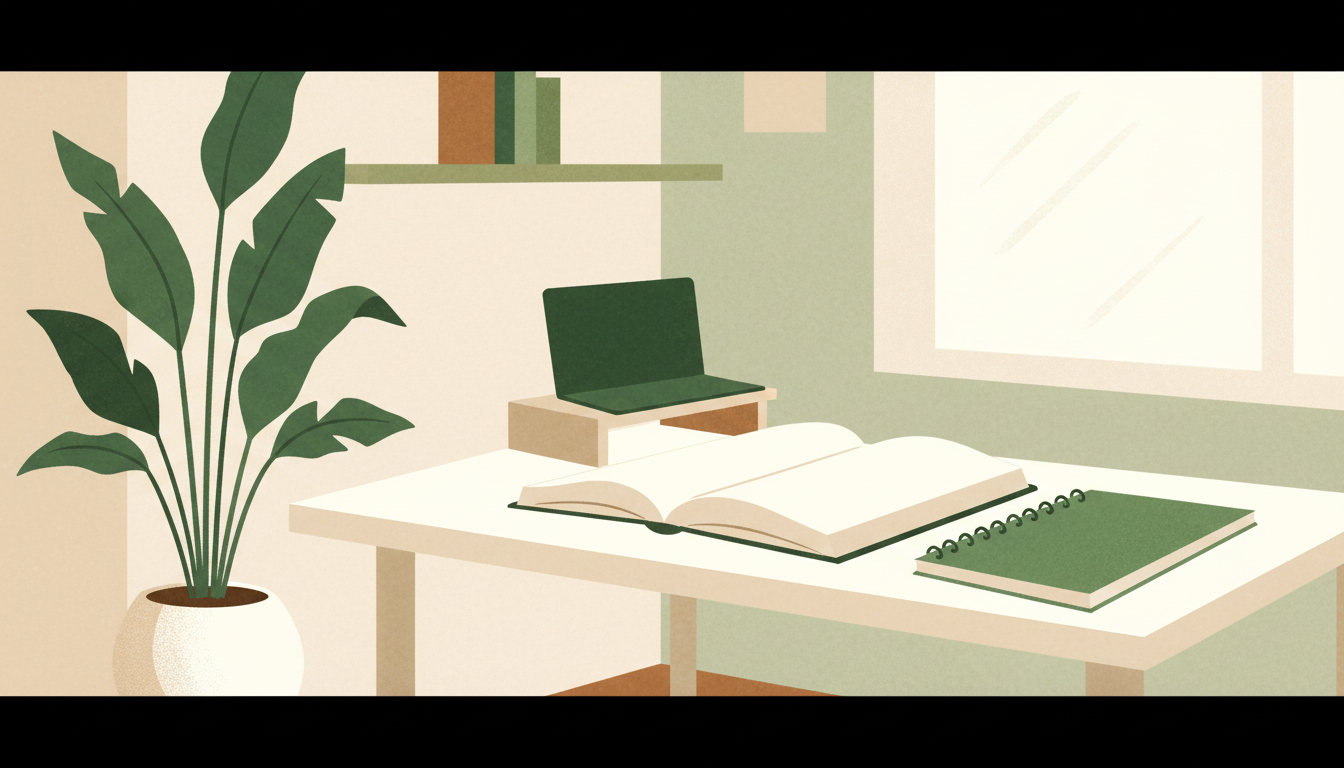
← Study & Work Corners: setup checklist and related guides
STUDY & WORK CORNERS · START WITH YOUR SPACE
Your room does not need a complete makeover to become a useful place to study or work. Start by noticing what interrupts you: a crowded surface, nowhere to keep an open book, or a charger that never reaches. Solve that problem first. A good setup is one you can use comfortably and reset without much effort.
1. Decide what this corner must do
Write down your main task before measuring furniture. Reading a paperback, writing assignments and working with a laptop plus a separate monitor need different amounts of space. Put the equipment you actually use on your existing table and take a photograph. This gives you a realistic starting layout.
- Student: make room for your open textbook, notebook and writing tools.
- Laptop worker: account for the computer, charger, mouse and any separate keyboard or screen.
- Reader or journal writer: prioritise your book, notebook and the light you already have.
If two people will share the corner, repeat this exercise for both. A setup that works for one person may need adjustment for another.
2. Measure the usable space
Record the available width and depth, then mark the proposed desk footprint with removable tape or sheets of paper. Check the skirting board, plug location and anything that projects from the wall. Measure with cupboard doors open as well as closed.
Pull your chair back as if you were standing up. Can you leave the desk without moving another piece of furniture? Can somebody still get past? Include those movements in your plan rather than treating a furniture footprint as the complete space requirement.
Check clear space below the desk, including shelf supports and crossbars. Compare the desk and chair together before ordering. OSHA’s workstation purchasing checklist emphasises enough room for equipment and suitable adjustability; it does not establish that one fixed desk size fits everybody.
3. Test the position before buying
Try the proposed position at the times you normally study or work. A bright corner in the morning can look very different in the evening. Notice reflections on your screen and whether you cast a shadow over your notebook. Try adjusting the position or your existing light before buying another accessory.
Keep the items you use repeatedly within convenient reach. Place occasional-use supplies elsewhere. A large collection of stationery can look attractive while taking away the surface you need to work.
4. Choose storage around your habits
Give each everyday item a simple home: current books together, loose papers in one tray, and charging leads in one accessible place. Leave room for the book you are using today instead of filling the entire shelf.
For a shared room, try a small basket or pouch that can move with you. You may be able to improve organisation without buying a larger desk. Decide what needs to stay on display and what can be stored away.
5. Make a short buying list
Separate essentials from later additions. An essential solves a problem you have identified; a later addition is something you would like but can work without for now. Set a total spending limit that includes delivery, assembly and any other stated charges.
For furniture, check the selected size, material, assembly requirements, usable clearances, load information and current return terms. For accessories, check compatibility with your existing equipment. Avoid judging a product only from an attractive room photograph.
Your before-you-order checklist
- I know the main task this corner must support.
- I have measured the available space and equipment.
- My chair can move and nearby doors can open.
- I have checked lighting at my usual working time.
- I know which items I can reuse.
- I have checked the exact variant, final delivered cost and current order terms.
Explore the related buying guides
Lukzer MST-001 desk — Amazon India guide: review the listed dimensions and checks before deciding whether it fits your room.
Gritin reading lights — Amazon US guide: compare the selected model’s clip, charging connection and light settings. Check India delivery and any import charges separately.
RILIHO journal — Amazon US guide: check dimensions, page layout and paper suitability for the pens you use.
The related buying guides contain affiliate links. As an Amazon Associate I earn from qualifying purchases. Store labels identify where the links open; no live price or discount is promised here.
Keep the corner easy to reset
At the end of a session, put loose papers together, return tools to their place and leave the next book or task ready. Try the arrangement for a few sessions before changing it again. Your next improvement should answer something you noticed while using the space.
Source: OSHA Computer Workstations: Purchasing Guide. The room-planning steps above are editorial suggestions; the source provides further equipment-selection checks.
Leave a Reply